
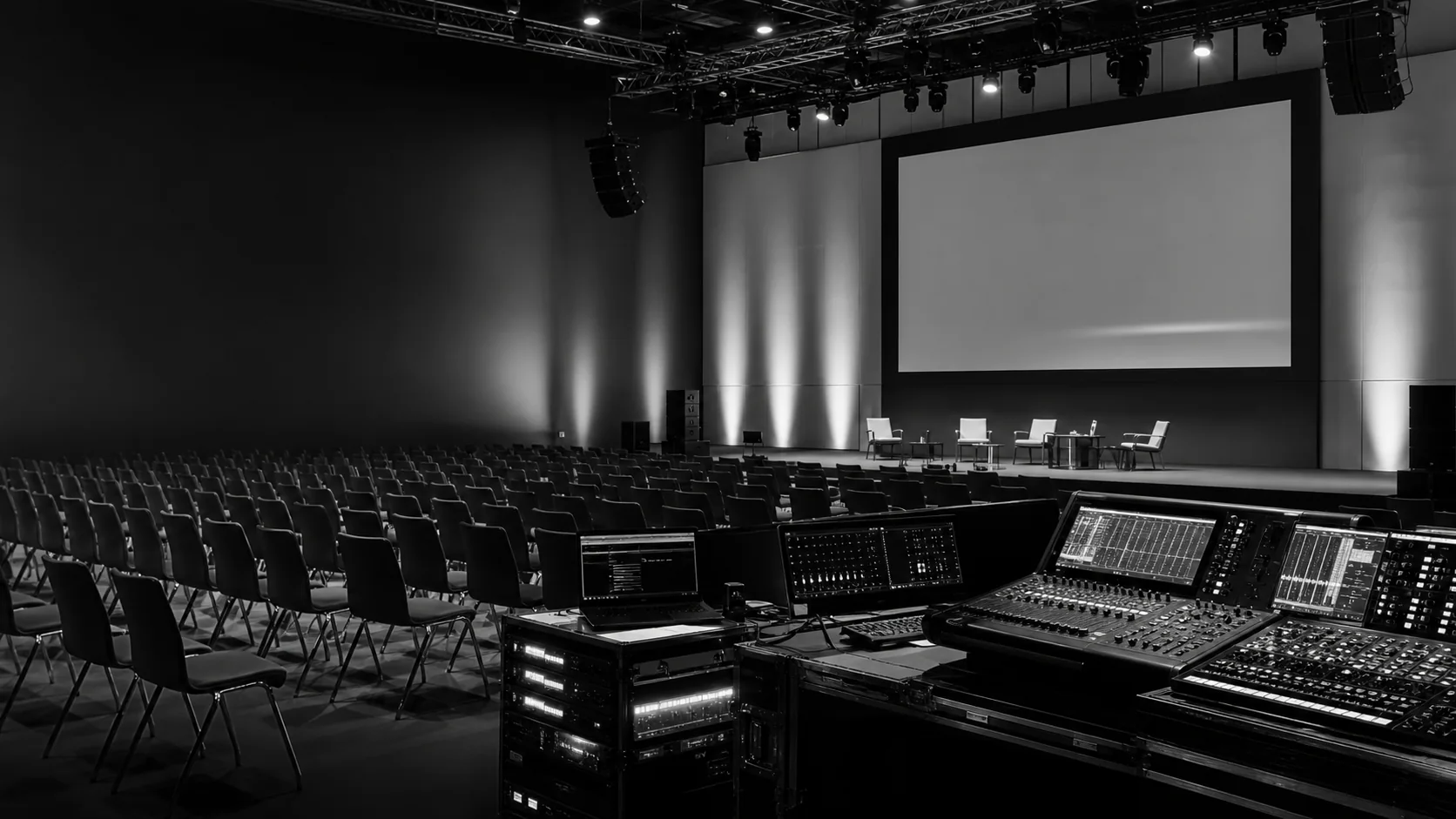
A large LED wall is not automatically a good LED wall. The right result comes from treating the display, the room, the cameras and the content as one connected visual system.
For audiences in the room, the canvas needs enough resolution at the nearest viewing position, comfortable brightness and a scale that belongs to the architecture. For cameras, refresh rate, scan behaviour, exposure and shutter settings add another layer.
Start with the closest meaningful viewer
Pixel pitch decisions begin with distance, not with a catalogue. Map the front row, camera platforms, side sightlines and the way people enter the space before the display specification is locked.
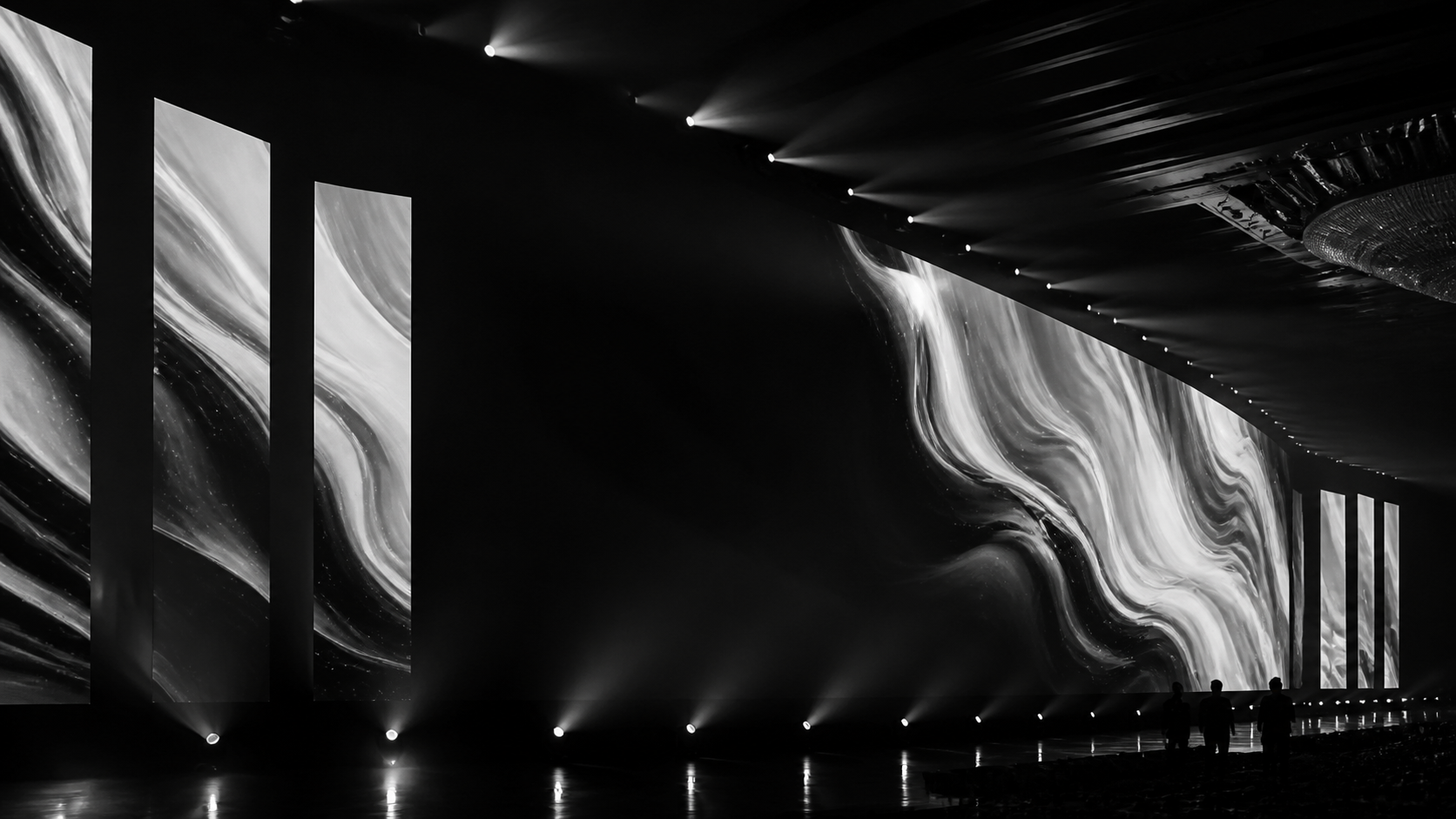
Plan the camera chain early
Camera tests are most useful before the final show file is locked. Align processor settings, refresh rate, brightness and colour temperature with the recording or broadcast workflow.
The screen is only one instrument. The useful result comes from tuning the whole visual chain.
MSAV Technical Team
The checks that prevent visible problems
- Confirm the minimum viewing distance and primary camera positions.
- Test presentation templates at native canvas resolution.
- Coordinate camera shutter, frame rate and exposure with the LED processor.
- Set brightness for the room and lighting design, not the panel maximum.
- Build signal redundancy around the operational importance of the screen.
Content is part of the engineering
Fine details, thin type and low-contrast graphics can fail even on a technically excellent wall. Review key visual assets on a representative section of LED before the event.
A calmer route to show day
When screen geometry, rigging, power, signal, cameras and content are agreed through one plan, setup becomes predictable. The result is a canvas that supports the story from every important seat and every important lens.